Registered Student Organizations

Find Your People. Shape Your Experience.
Registered Student Organizations (RSOs) are a vital part of campus life, offering students opportunities to connect with others, explore their interests, develop valuable leadership skills, and make a meaningful impact in the community. RSOs bring together individuals who share a passion for a wide variety of topics, including academics, culture, service, leadership, recreation, and more. Whether you’re looking to join an established group or start something new, student organizations provide a space to create experiences that enrich your time on campus!
Start Your Own Organization

Start Your Own Organization
Don’t see the organization you’re looking for? You can always start one of your own! Our team is here to support you through the process and provide the resources and guidance needed to build a new student organization from the ground up. Contact us at studentorgs@unca.edu.

A student representing the Audubon Society at UNC Asheville
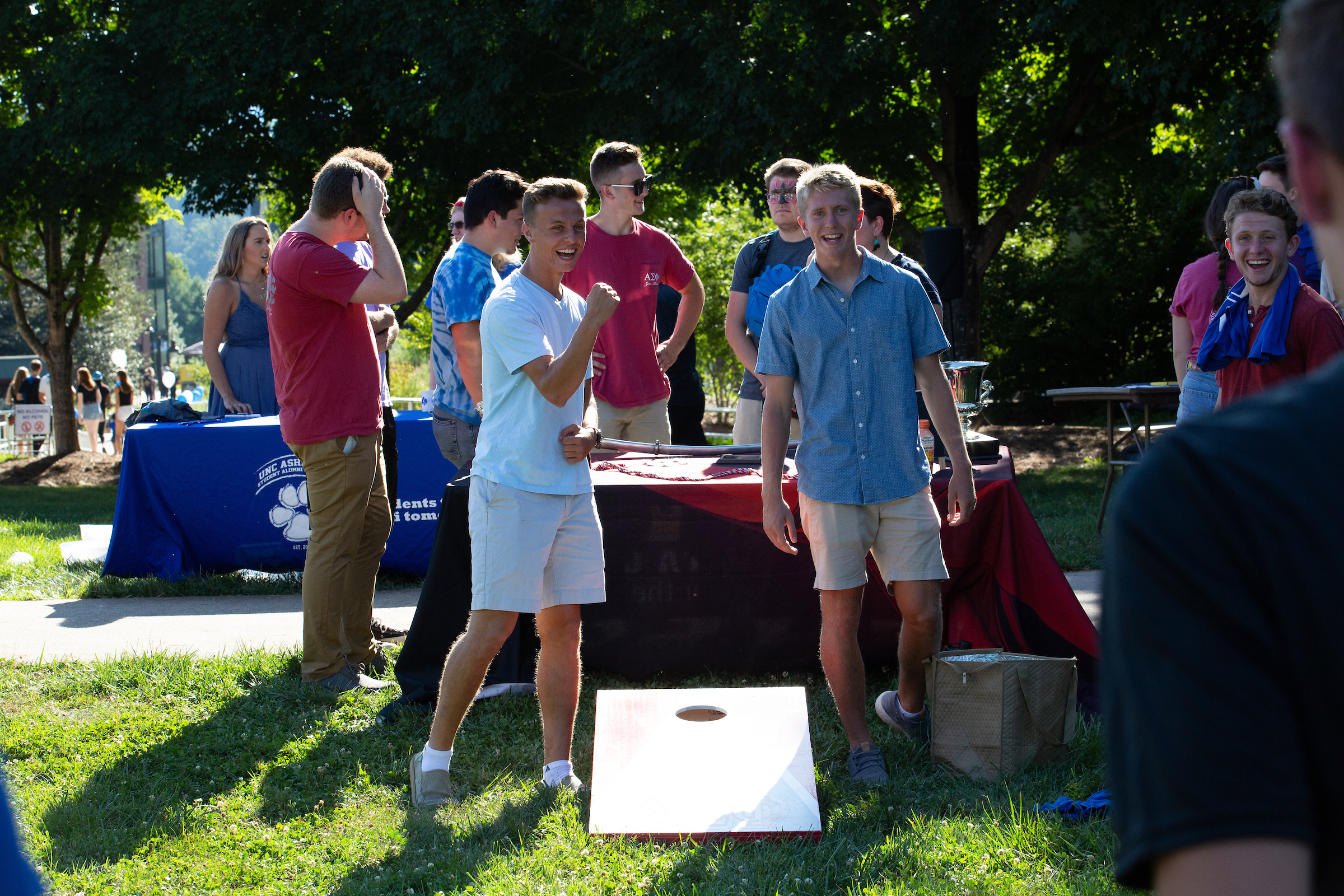
Friends and Brothers of Alpha Sigma Phi Fraternity play cornhole at RockyPalooza.

Students take a selfie at RockyPalooza
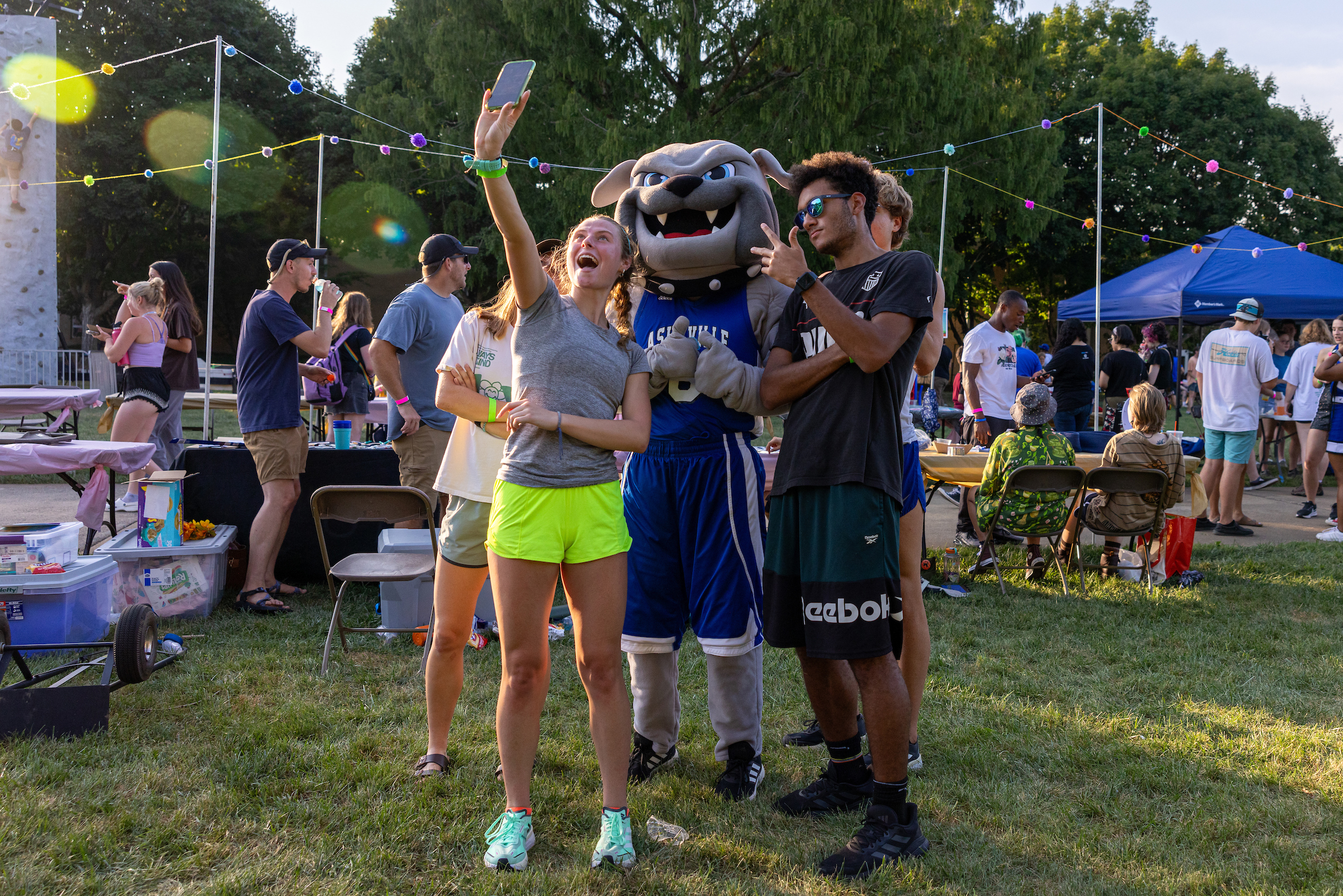
Students gather for a photo opportunity with the school's mascot, Rocky.

The Men's and Women's Ultimate Frisbee teams meet at RockyPalooza.

Students relax on the quad during RockyPalooza celebrations.
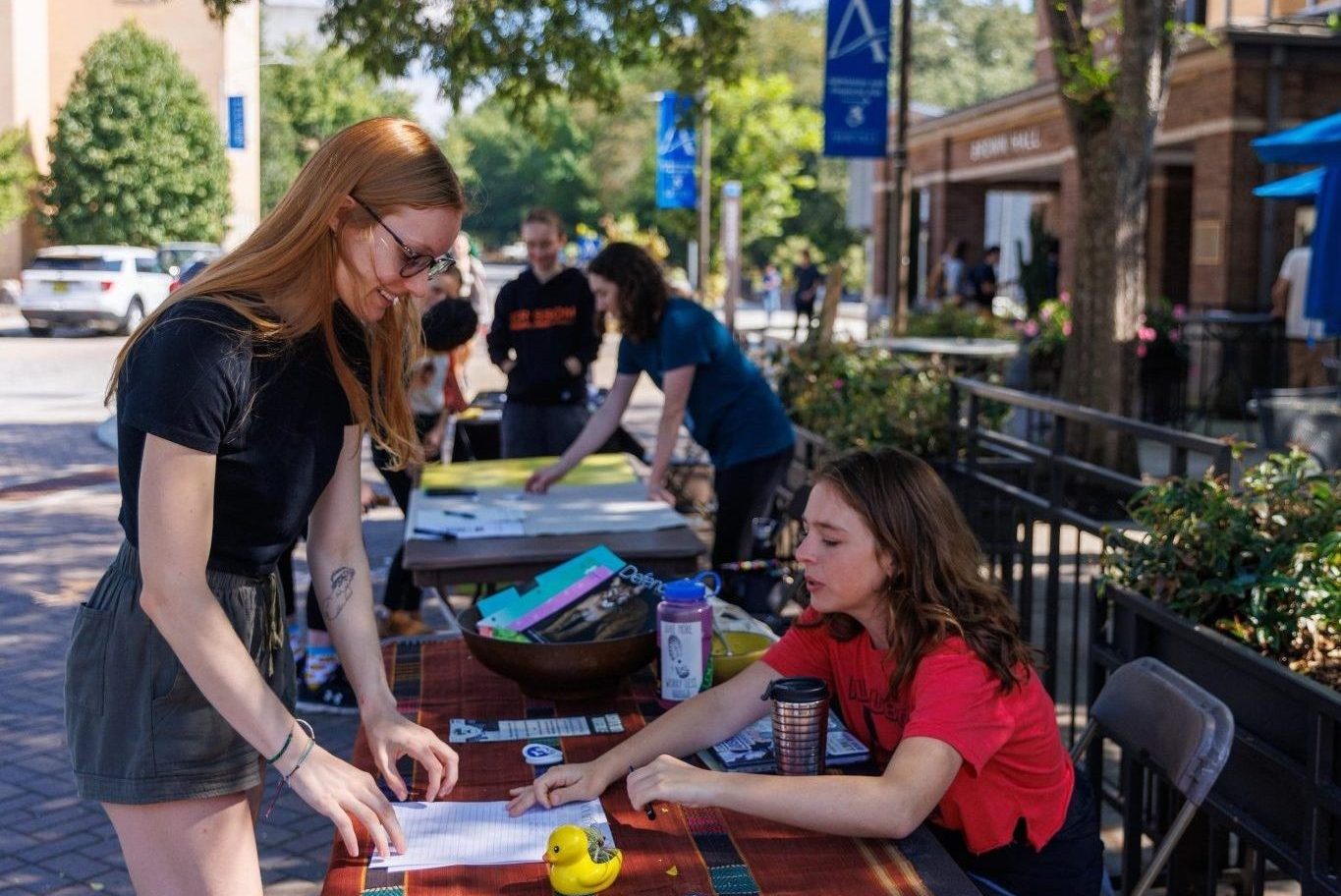
The Student Involvement Fair gives students an opportunity to learn more about Registered Student Organizations
Registered Student Organization Requirements
To become a Registered Student Organization (RSO), you will need to follow a set of policies, processes, and guidelines under the leadership and guidance of the Campus Life team. These policies help us fulfill our goal to provide every student and student organization the resources and support they need to be successful.
Identify five people who want to join your RSO. You must have a President, Treasurer, and three general body members.
Create a Constitution using this helpful template.
Apply for recognition of your student organization on the Rocky Connect Organizations page. Select “Register an Organization.” This form will be sent to the Student Organization team for review and approval.
Schedule a meeting with the Campus Life team by emailing campuslife@unca.edu. After you meet, a professional staff member will contact ITS to create a student organization email account. Student Organizations will be notified once the email address has been created, which can take up to three weeks.
The structure you use to lead your RSO is up to you, as long as there is a President who serves as a reliable primary contact, and a Treasurer who oversees the RSO’s budget. All RSO officers must be currently enrolled UNC Asheville students. You may add additional officer roles, such as Social Media Coordinator, Co-President, and Recruitment Chair.
The advisor role is recommended, but not required! RSO advisors must be a UNC Asheville faculty or staff member, or they must be pre-approved by Campus Life. A strong advisor will provide continuity, stability, and a sense of tradition to the organization.
For any questions with approvals, please contact campuslife@unca.edu.
- Event Submission forms must be submitted in Rocky Connect at least 10 business days before an event in order to reserve space or have the event appear in Rocky Connect. Attendance must be taken at events through the Event Check-In app.
- Attend SOAR Workshops. RSO officers are required to attend various SOAR (Student Organization and Advisor Resources) Workshops.
When an officer or advisor transition takes place (mid-year or during scheduled officer elections), there must be an email sent to campuslife@unca.edu, in addition to an updated Executive Officer roster submitted through Rocky Connect within 30 days of the transition.
Funding & Allocation Information
RSOs may request funding at the end of each academic year. RSOs must submit a proposed itemized budget detailing estimated expenditures for the following year. RSOs will then have an opportunity to present their budget proposal at the Campus Commission. This timeline will be established at the end of each academic year and emailed to all student organization leaders and advisors.
The Purchase Request Form under the SOAR page in Rocky Connect is the recommended method for student organization leaders to spend their funding. This process allows the Campus Life team to purchase supplies and services directly without students spending personal funds. When you complete the form, don’t forget to include a direct link to the item(s) as well as the quantities that you need of each item. Purchase Requests must be submitted AT LEAST 2 weeks ahead of the date that you need your items or supplies. Requests must be purchased from the following businesses: Amazon, Target, Walmart, and Ingles. If items are out of stock, you’ll be notified as soon as possible, and you’ll be asked to identify replacements in a timely manner.
Chartwells Catering invoices are sent directly to Highsmith Student Union Administrative Offices for processing. Highsmith Student Union will pay for catering invoices on behalf of the student organization. For larger events and programs that are open to the campus community where food is served, student organizations are required to take attendance through Rocky Connect in order to provide appropriate documentation for the catering invoice. Find instructions here that will walk you through the app!
If planning to use approved funds for travel, a Chrome River Pre-Approval form should be submitted by the organization’s advisor (staff or faculty member). The form will be reviewed by the Campus Life team. Once the travel has been completed, the same requester will need to submit an Expense Report through Chrome River.
If a student organization member uses personal funds to purchase supplies or materials that were previously approved through Campus Commission or SOC, they should keep the itemized receipt and complete the Receipt Reimbursement Form in Rocky Connect under the Forms tab. A copy of the itemized receipt is required to submit the form. Students submitting for reimbursement should be as specific as possible when describing the purchase.